What Happens When You Use Copilot During a Gaming Session?
When most people think about Microsoft Copilot, they think about work.
Writing emails.
Summarizing documents.
Analyzing spreadsheets.
Building presentations.
But one night recently, I realized something interesting: Copilot might also be the best gaming companion I’ve ever had.
Not because it plays the game for me—but because it helps me think better while I play. And the results were surprisingly powerful.
The Problem Every Gamer Knows
If you play any modern game—especially strategy-heavy ones—you’ve probably experienced this:
You get stuck. Maybe it’s:
- A boss fight you can’t beat
- A character build that isn’t working
- A confusing quest line
- Patch notes that are 10 pages long
So what do most players do? They leave the game and go searching.
Reddit threads.
YouTube guides.
Random websites with ads everywhere.
Twenty minutes later, you’re still searching.
Enter Copilot
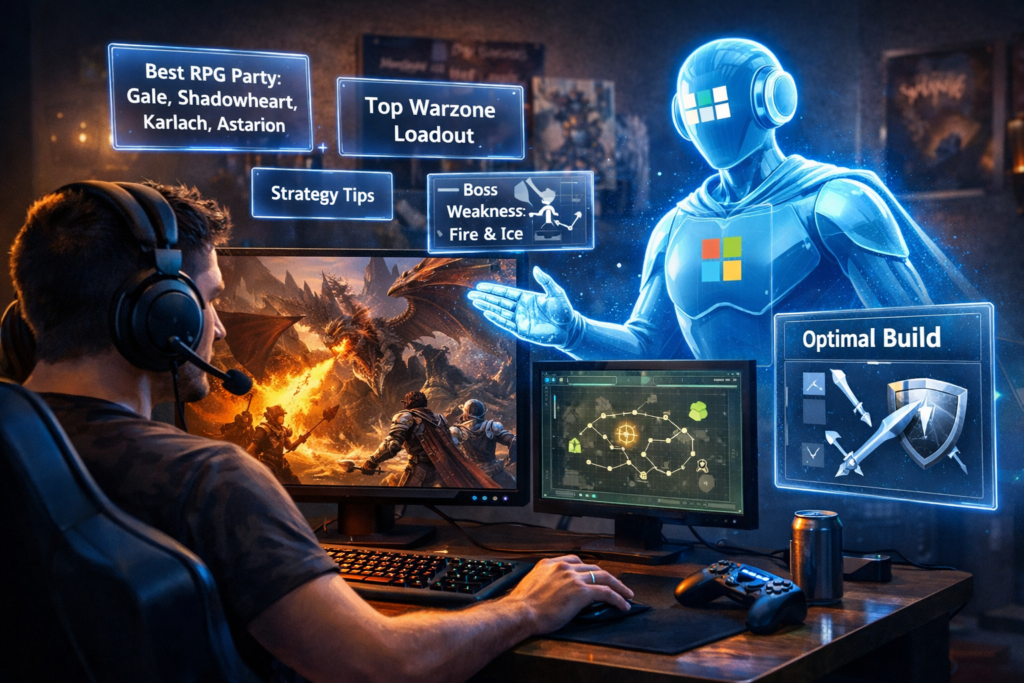
Instead of digging through forums, I started asking Copilot questions directly. Things like:
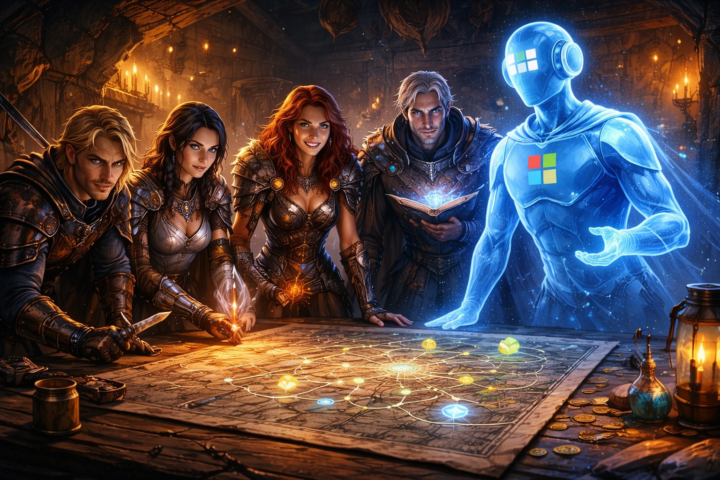
- “What’s the best party composition using Gale, Shadowheart, Karlach, and Astarion in Baldur’s Gate 3?”
- “What Warzone loadout works best for mid-range engagements?”
- “Summarize the latest patch notes for me.”
Within seconds, I had a clear answer.
No scrolling.
No digging.
Just insight.
And suddenly I realized something:
Copilot wasn’t replacing gameplay—it was removing the friction around it.
Copilot as Your Gaming Strategist
Think about how many gaming moments involve decision-making.
What weapon should I use?
What character build is optimal?
How should our squad approach this mission?
Copilot acts like a real-time strategist.
Instead of guessing or searching endlessly, you can ask questions like:
- What’s the strongest build for this character?
- What strategy works best against this boss?
- How should our squad coordinate roles?
In seconds, you have options and ideas to try.
It’s like having a strategy guide that updates instantly.
Copilot Saves Time (So You Can Play More)
Let’s be honest—gaming time is valuable.
Many of us balance work, family, and responsibilities.
If you only have a couple hours to play, you don’t want to spend half of that researching.
Copilot helps you:
- Summarize patch notes
- Understand mechanics faster
- Troubleshoot builds
- Optimize strategies
Instead of spending time searching…
You spend time playing.
The Bigger Insight
Here’s the interesting part. The same thing that makes Copilot powerful in gaming is what makes it powerful at work. At its core, Copilot helps with three things:
- Understanding complex information quickly
- Generating ideas and strategies
- Reducing time spent searching
Whether you’re:
- analyzing business data
- planning a project
- or optimizing a character build
The goal is the same: Remove friction so humans can focus on decisions and creativity.
AI Doesn’t Replace the Player
One concern people sometimes have about AI is that it will remove the challenge. But in gaming—and in work—that’s not really the point. Copilot doesn’t play the game for you. It simply gives you better information faster.
You still make the decisions.
You still execute the strategy.
You still win the fight.
Final Thought
I started using Copilot to help with productivity. But I didn’t expect it to show up in my gaming sessions too. And now I’m convinced: The future of AI isn’t just about work tools.
It’s about having intelligent assistance available wherever you think, create, and solve problems.
Sometimes that’s a spreadsheet. Sometimes it’s a presentation. And sometimes…
It’s surviving a boss fight.